Does RuneScape: Dragonwilds Have Crossplay?
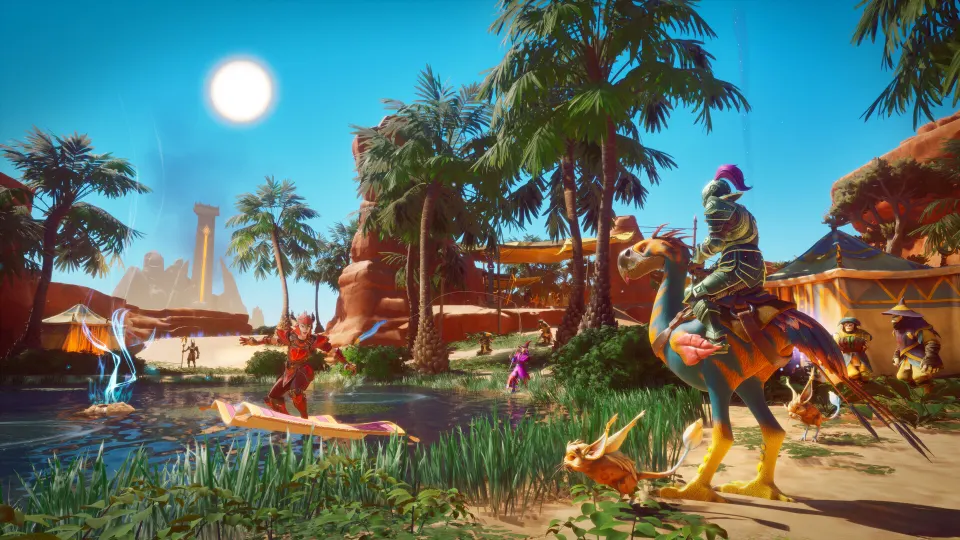
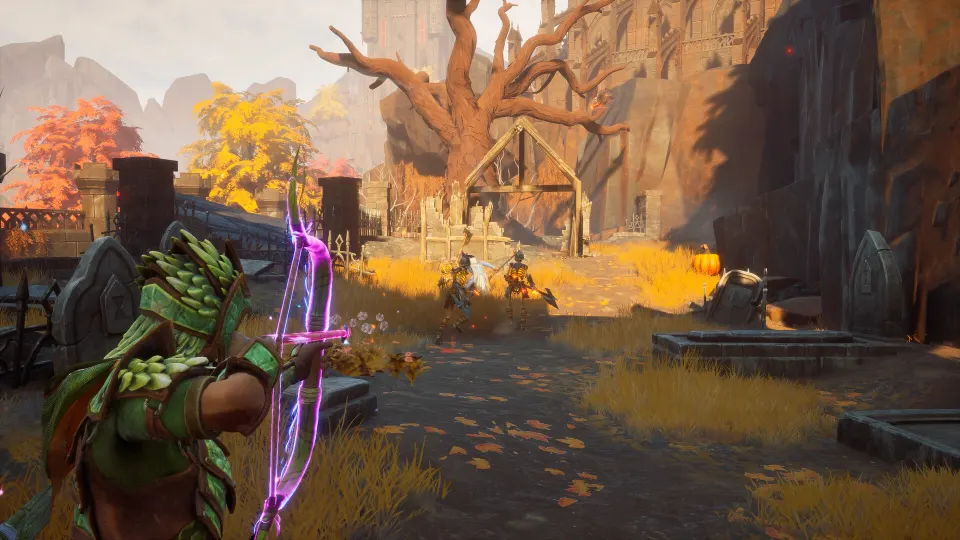
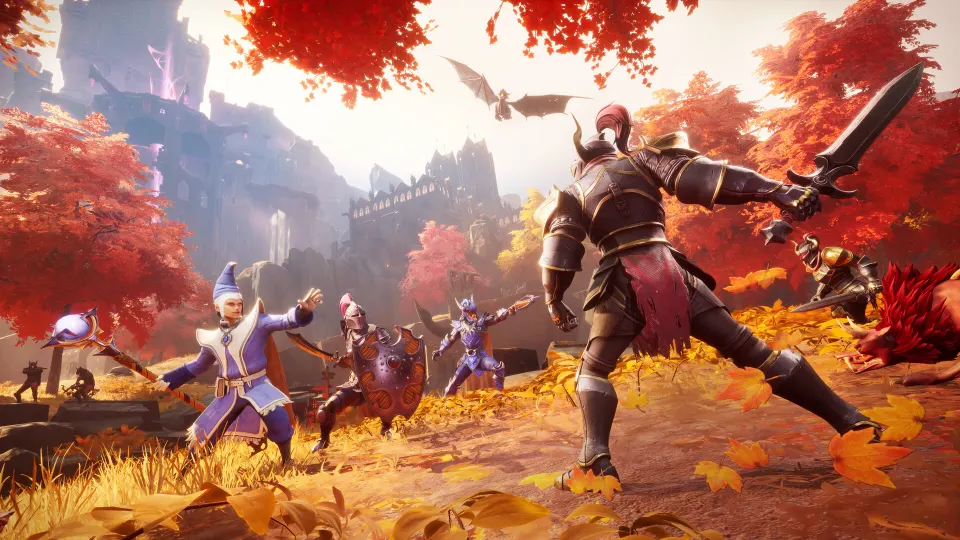
Yes. RuneScape: Dragonwilds supports crossplay, so friends on PC and consoles can explore Ashenfall together in the same world. This matters because your group does not need matching hardware to build a base, level skills, hunt dragons, or tackle the Scorned Wilderness together.
Crossplay arrived with the game's 1.0 release and is available across its supported platforms. PC players can join console players, and console players can join PC-hosted or dedicated worlds when the world settings allow it.
| Platform | Crossplay support | Notes |
|---|---|---|
| PC | Yes | Available through supported PC storefronts and launchers |
| PlayStation 5 | Yes | Can share worlds with PC and other console players |
| Xbox Series X|S | Yes | Can join cross-platform multiplayer worlds |
| Nintendo Switch 2 | Yes | Included in the cross-platform player pool |
Crossplay is about playing together, not automatically owning the game everywhere. Buying the game on one PC storefront or console does not necessarily grant access on another platform.
The core limitation is the world’s player capacity. A cross-platform session does not increase the maximum number of players; every participant counts toward the same shared limit.
| Multiplayer option | Best for | Availability |
|---|---|---|
| Solo world | Learning systems or progressing alone | Always available |
| Friends-only world | A private group of known players | Requires an invite or friend access |
| Public world | Meeting additional players | Visible through the world browser |
| Dedicated server | Groups that want a persistent world | Stays online independently of a host |
How to Enable and Use Crossplay
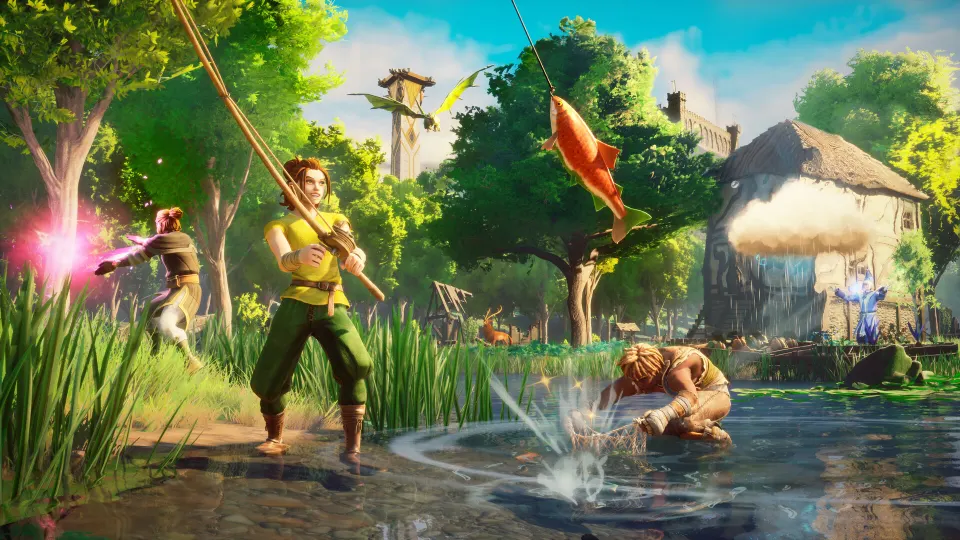
For normal hosted worlds, start from the main menu by selecting Play, then choose online play. Create a world or select one you already own, highlight it, and open its settings before entering.
Set the world’s privacy to either Friends or Public. These settings expose the option to enable or disable crossplay. Leave crossplay enabled if your group includes players on different platforms.
A straightforward host setup looks like this:
- Select Play from the main menu.
- Choose an existing online world or create a new one.
- Open Edit Settings for that world.
- Choose Friends for a private group, or Public for browser-based joining.
- Confirm that crossplay is enabled.
- Enter the world and share the invite code with friends.
Once the host is inside the world, an invite code appears in the pause menu. It uses a short alphanumeric format. Friends can select Play, choose the Invite Code prompt, enter that code, and join the host’s world regardless of their supported platform.
| Joining method | What the player needs | Useful when |
|---|---|---|
| Invite code | The host’s current invite code | Joining a friend’s hosted session quickly |
| Public world browser | Exact world name and password, if used | Joining a publicly listed world |
| Friends access | A host world set to Friends | Playing regularly with an established group |
| Dedicated server browser | Server name and password, if used | Joining a persistent community world |
For public or dedicated worlds, use the exact world name when searching. If a password is enabled, every player uses the same password, whether they are on PC or console.
Crossplay settings can vary by hosting provider’s control panel. New servers may already allow cross-platform connections by default, while some providers expose a Platform Policy setting that should be set to Crossplay. If you manage a rented server, check its settings after creation and restart it after changing that policy.
Hosting, Dedicated Servers, and Progress
A host-created world is tied to the host being online. When that player leaves the game, other players cannot continue in that session until the host returns. This works well for planned co-op nights, but it is less suitable for groups playing at different times.
A dedicated server solves that availability problem. It keeps the shared world online around the clock, allowing approved players to join without waiting for one specific person to launch the game.
Dedicated servers can be hosted on your own compatible hardware or rented from a game-server provider. They need a configured server name, world name, owner or administrator identification, and an optional password. The exact setup process depends on the host, but cross-platform joining should remain the same from the player’s point of view.
| Hosting choice | World availability | Main advantage | Consideration |
|---|---|---|---|
| Local hosted world | Only while host is playing | Fastest way to start co-op | Host controls access and uptime |
| Self-hosted dedicated server | Continuously, if maintained | No recurring hosting service required | Requires setup and network management |
| Rented dedicated server | Continuously | Convenient control panel and uptime | Monthly cost |
Do not confuse crossplay with cross-progression. Crossplay lets players using different platforms enter the same multiplayer world. Cross-progression concerns whether your own save, unlocks, and platform ownership move with you when you switch devices.
Your progress does not automatically transfer simply because Dragonwilds supports crossplay. If you move from one platform to another, expect to manage platform-specific ownership and progression separately. The shared world can still be visited by eligible players, but that is different from carrying a full account save between platforms.
Keep your group on the same game version. Cross-platform worlds may not appear correctly if one platform has received an update while another is still using an older build. Updating the game and restarting a dedicated server are the first things to try when a previously working world disappears from search.
RuneScape Dragonwilds Crossplay FAQ
Is RuneScape Dragonwilds crossplay available on every platform?
RuneScape Dragonwilds crossplay is supported between PC, PlayStation 5, Xbox Series X|S, and Nintendo Switch 2. Players on these platforms can enter the same compatible multiplayer worlds.
Do I need to turn on crossplay manually?
Usually, crossplay is enabled by default for new servers. For a host-created world, check the world’s privacy and multiplayer settings before launching it. If the option is shown, make sure crossplay remains enabled.
Can PC players join console players?
Yes. PC players can join PlayStation 5, Xbox Series X|S, and Nintendo Switch 2 players through invite codes, public world listings, or compatible dedicated servers.
Does crossplay mean cross-progression?
No. Crossplay means players on different platforms can play together. Cross-progression would mean your personal save and platform entitlements transfer between platforms, which is a separate feature.
Why can’t my console friend find our server?
First, confirm that everyone has installed the latest game update. Then verify the exact server or world name, its password, and its visibility settings. If it is a dedicated server, restart it after updates so it runs the matching build.
Can more players join because crossplay is enabled?
No. Crossplay does not raise the multiplayer player cap. PC and console players all share the same available slots in the world.
Is a dedicated server required for crossplay?
No. You can use crossplay in a normal hosted world. A dedicated server is only needed if you want the world to remain available when its usual host is offline.